📺 Danoz TVSmart | T1 Android 16 TV Box | 4K Ultra HD | WiFi 6 | Google Assistant | BT 5.0 | 8GB+128GB / 16GB+256GB | Free Postage!
📺 Danoz TVSmart – T1 Android 16 TV Box
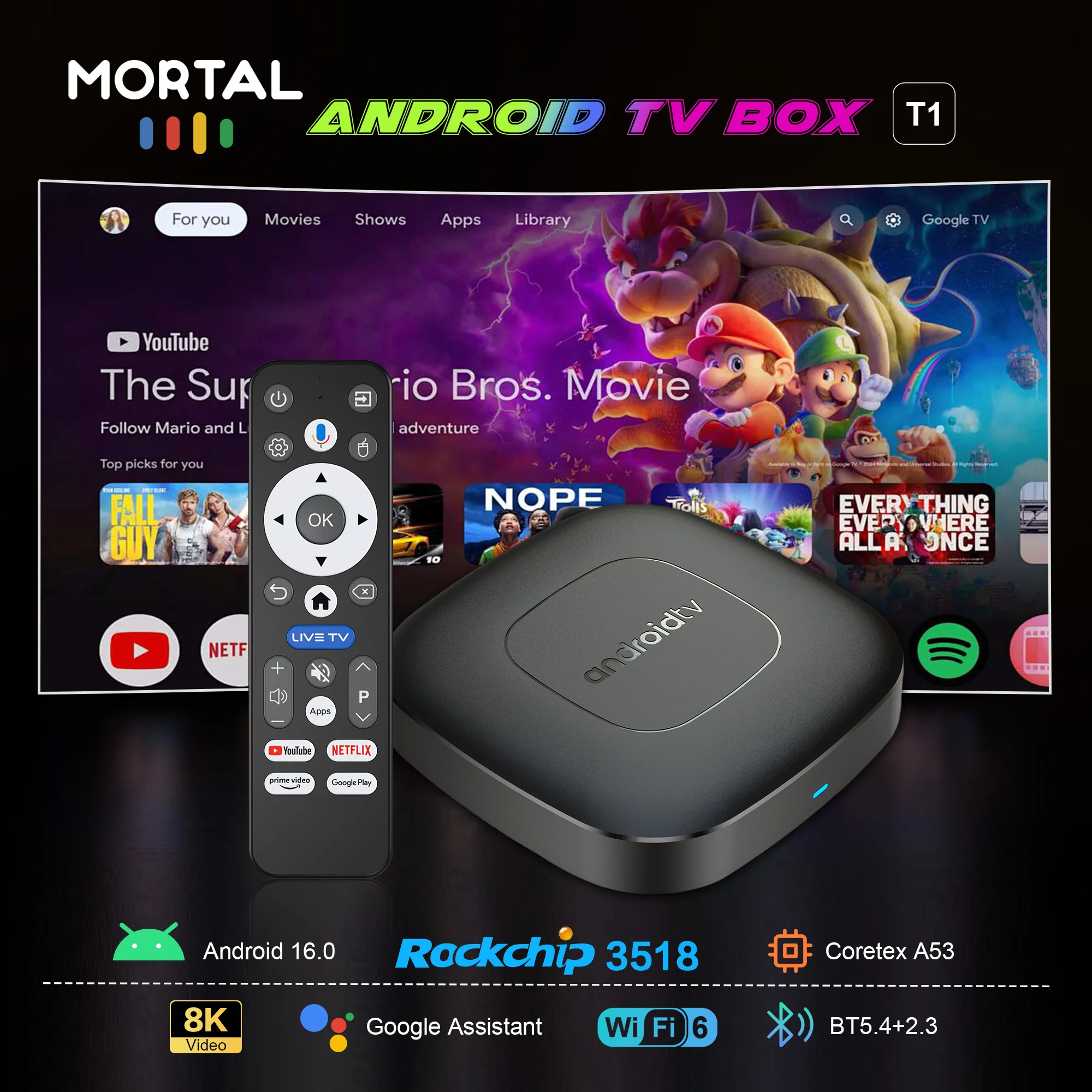
Transform your TV into a smart entertainment powerhouse with the Danoz TVSmart T1 Android 16 TV Box — delivering stunning 4K Ultra HD visuals, blazing WiFi 6 connectivity, Google Assistant voice control, and access to Netflix, YouTube, Prime Video, and more from one compact device. Powered by the Rockchip RK3518 quad-core processor with Mali-450 GPU. Available in 8GB+128GB or 16GB+256GB. ✨
⚠️ Note: Always use the supplied 5V/2A power adapter and HDMI cable. Disney+ is not currently compatible due to regional restrictions. Android system upgraded to Android 16 for improved app compatibility.
Key Features
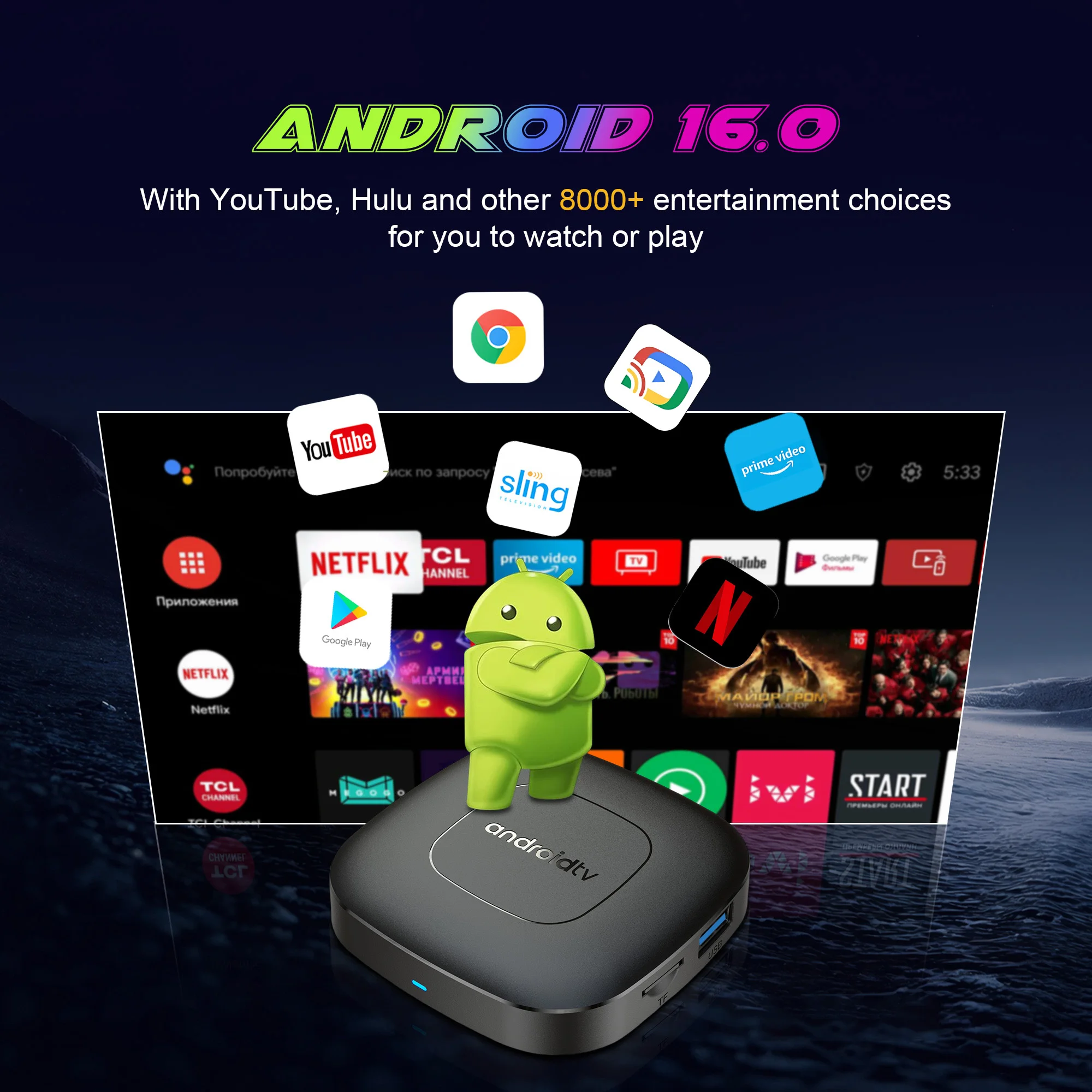
✓ Android 16 OS — Smoother performance & wider app compatibility
✓ 4K Ultra HD @ 60Hz — Cinematic home viewing 🎥
✓ HDR10+, HDR10 & HLG Support — Vivid, detailed picture quality
✓ WiFi 6 (802.11ax) + Bluetooth 5.0 — Fast & stable wireless connectivity
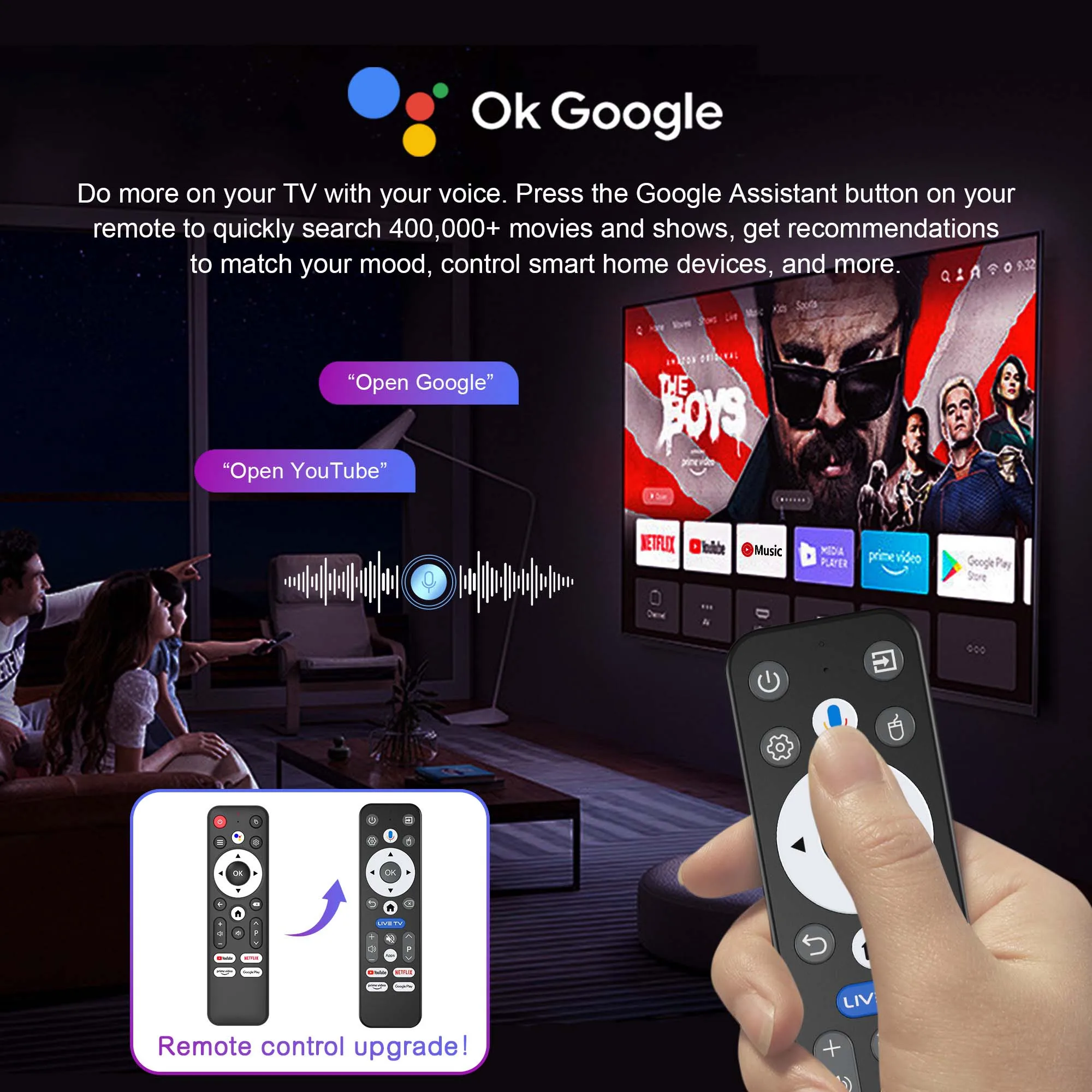
✓ Google Assistant Voice Control — Search, play & control by voice
✓ Google Cast & IPTV Supported — Cast from your phone or stream live TV
✓ Netflix, YouTube, Prime Video, Hulu, Google TV & More — All your favourites in one place
✓ USB 3.0 Port — Plug-and-play for large-capacity drives
✓ TF Card Expandable — Up to 256GB additional storage
✓ HDMI 2.1 Output — OTA system updates supported
✓ CE, FCC & RoHS Certified — Meets international safety standards 🛡️
Specifications
Brand: MORTAL by Danoz TVSmart
Model: T1
OS: Android 16
CPU: Rockchip RK3518 (Quad-core Cortex-A53)
GPU: Mali-450MP2
RAM / Storage: 8GB + 128GB or 16GB + 256GB
Video Output: HDMI 2.1 (4K @ 60Hz)
HDR: HDR10+, HDR10, HLG
WiFi: 802.11ax (WiFi 6) 2.4GHz / 5GHz
Bluetooth: 5.0
USB: 1 x USB 3.0
TF Card: Up to 256GB
Power: DC 5V / 2A
Weight: 303g
How To Set Up
1. Connect the HDMI cable from the T1 box to your TV’s HDMI port
2. Connect the supplied USB power cable to a 5V/2A adapter — indicator changes from blue to red when ready
3. Use your TV remote to switch to the correct HDMI input source
4. Open network settings, connect to WiFi, and start streaming!
How To Use Google Voice Assistant
1. Tap the voice button on the remote and release
2. Wait for the voice input pop-up in the lower right corner of the TV
3. Long press the voice button and speak your command into the microphone
4. Release the button — the box will execute your command automatically
What's In The Box 📦
1 x Danoz TVSmart T1 Android 16 TV Box
1 x HDMI Cable
1 x USB Power Cable
1 x Bluetooth Voice Remote Control